Task Management
Software
For Schools · Ashrams · Charitable Trusts · Educational Institutions
Assign tasks, set deadlines, track progress, and manage work across your entire campus — so nothing falls through the cracks and every instruction is on record.
- Task Assignment & Deadlines
- Team & Department Task Boards
- Progress Tracking & Completion
- Priority & Status Labels
- Task Comments & Attachments
- Overdue Task Alerts
Why Institutions Need Task Management Software
In most campuses, work is assigned verbally, tracked informally, and followed up with repeated WhatsApp reminders — until it either gets done or quietly gets dropped.
Tasks assigned over WhatsApp get lost
Instructions buried in chat history. Staff forget. Managers follow up five times. There is no clear record of what was assigned, to whom, and when it was due.
No visibility for management
Administrators and trustees have no view of whether assigned work is being done. Status updates require asking individually — and answers are always "working on it."
Deadlines missed with no warning
Without a deadline tracking system, overdue tasks are only discovered when management asks — or when the consequences of the missed work arrive on their own.
No task history or accountability
After a task is done — or not done — there is no record of the assignment, the deadline, or the outcome. The same gaps recur because there is no institutional memory.
Cross-department work falls through
Tasks that require action from multiple departments — maintenance, accounts, admin — are the most likely to stall. No one owns cross-functional follow-up.
Event prep tasks chaos
Annual day, bhandara, sports day — dozens of preparation tasks assigned informally. Something critical always gets missed because there was no formal checklist.
DigiCampus replaces all of it — structured task assignment, deadline tracking, completion records, management visibility.Designed specifically for schools, ashrams, charitable trusts, and educational institutions.
Built for institutions like yours
If you lodge guests, serve meals, accept donations or manage a residential community — DigiCampus was built for you.
Ashrams & Spiritual Centres
Manage guest stays, prasad kitchen, donations & devotee records in one place.
Learn moreCharitable Trusts
80G receipts, donor management, HRMS and expense tracking — all compliant and connected.
Learn moreTemples & Mutts
Handle dharamshala bookings, event management, daily collections and seva records.
Learn moreResidential Schools
Academic, hostel, dining and fee management unified for boarding school operations.
Learn moreNGOs & Foundations
Donor CRM, project tracking, HRMS and 80G compliance for social impact organisations.
Learn moreGurukuls & Vedic Pathshalas
Student records, boarding, dining and daily routines managed together for traditional residential learning.
Learn moreColleges & Universities
Hostels, fees, staff payroll and campus operations unified across departments and buildings.
Learn moreYoga & Retreat Centres
Guest bookings, meal plans, programmes and payments handled from a single, simple dashboard.
Learn moreHostels & PG Accommodations
Room allotment, occupancy, fee collection and resident records — always up to date.
Learn moreSenior Care & Old-Age Homes
Resident profiles, staff rosters, dining and donations managed with care and compliance.
Learn moreKey Features of Task Management Software
Everything your institution needs to assign, track, and complete work across all departments.
Task Creation & Assignment
Create a task, assign it to one or more staff members, and set a due date in seconds. The assignee is notified immediately — no WhatsApp required.
Deadline Tracking
Every task has a due date. The system tracks approaching deadlines and flags overdue tasks automatically — no manual follow-up needed from managers.
Progress Tracking
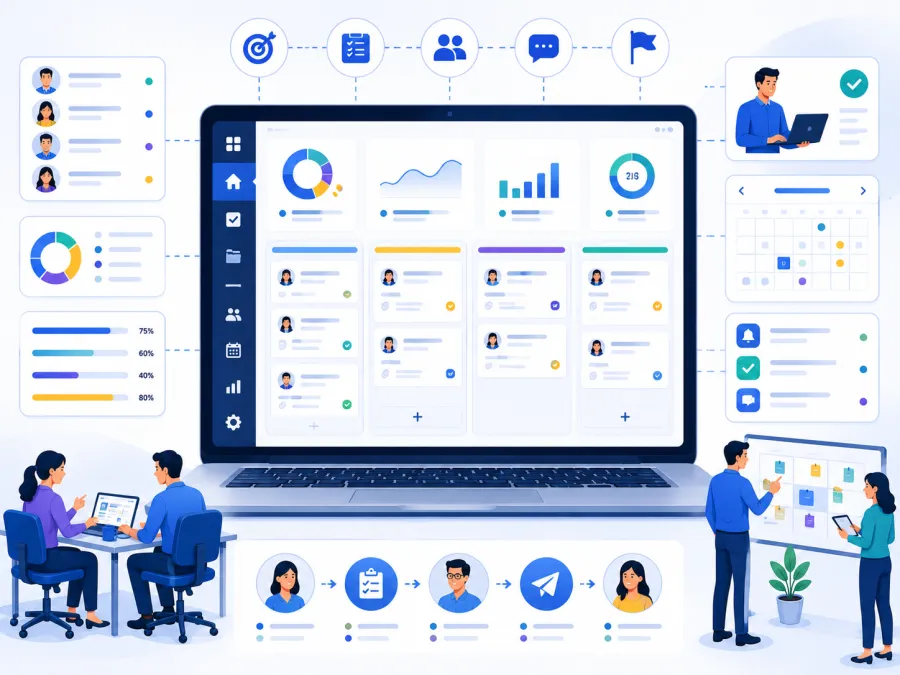
Tasks move through statuses: To Do → In Progress → Done. Management sees live progress across all staff and departments from one dashboard.
Priority & Status Labels
Mark tasks as Urgent, High, Normal, or Low priority. Filter your view to show only urgent tasks, or only what's overdue — focus on what matters most.
Task Comments & Attachments
Add comments, updates, and files directly on a task. Full conversation thread and file history on every task — no separate WhatsApp thread needed.
Department Task Boards
Each department has its own task board — the kitchen team sees kitchen tasks, hostel warden sees hostel tasks. Management sees everything, staff see their own.
Event Preparation Checklists
Link task lists to specific events. Track every preparation task for annual day, bhandara, or any event — assigned to the right staff with deadlines and completion status.
Overdue Task Alerts
Automatic alerts sent when a task is not completed by its due date. Managers are notified of overdue tasks without needing to check manually every day.
Recurring Tasks
Set daily, weekly, or monthly tasks to recur automatically — daily cleaning rounds, weekly reports, monthly audits — created without manual entry every time.
Task Reports
Staff-wise completion rates, overdue summaries, and department productivity reports — useful for management reviews, performance tracking, and accountability.
Integrated with Campus
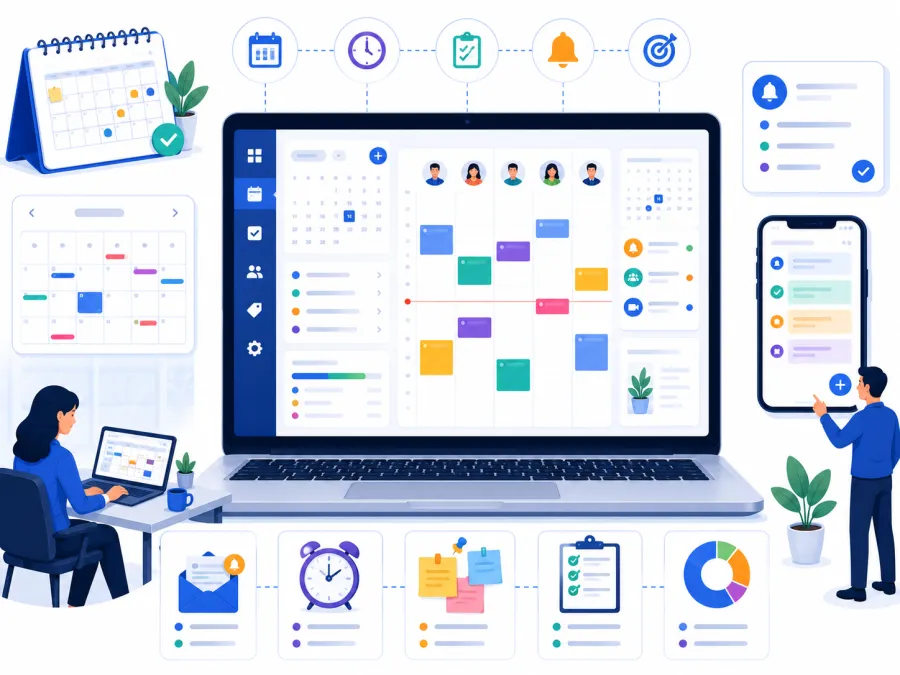
To-Do connects with Event for event preparation tasks and Calendar for deadline tracking — task due dates appear on the calendar automatically.
Mobile Friendly
Assign tasks, update status, and add comments from any smartphone. Staff manage their work list from wherever they are on campus.
Live on your campus in about a week
No long IT projects, no expensive consultants. We handle the setup.
Message us on WhatsApp
A 20-minute screen-share on a task management setup like yours — see task creation, assignment, deadline tracking, department boards, and progress reports in action.
We configure your task system
Your departments, task categories, user roles, and notification settings all configured. We handle the entire setup.
Go live & stop the WhatsApp follow-ups
A hands-on training session for department heads and admin — your campus work is tracked, assigned, and accountable from day one.
Work that gets done. And a record that it did.
Not a feature list — the things that actually change about how your campus operates every day.
Every task on record
Assignment, deadline, status, and completion — all documented. No more "I told you last week" without evidence — the task record shows exactly what was assigned and when.
Management sees everything at once
Live dashboard of all tasks — pending, in progress, completed, overdue — across every department. No more asking each head "where are we with this?"
Overdue tasks flagged automatically
The system alerts managers when tasks go overdue — no daily manual checking, no discovering missed deadlines a week later.
No more WhatsApp reminders
Assignees are notified on task creation. Reminders sent automatically before deadlines. Managers stop being the follow-up machine.
Updates on the task, not in chat
Comments, questions, and progress updates added directly on the task. The full history is there — not buried in a personal chat that leaves with the staff member.
Connected to events and calendar
Event preparation task lists linked to Event module. Task deadlines appear on the Calendar. One connected system for campus operations.
From 10 tasks to 1,000 — one system
Whether you manage a small ashram with a handful of daily tasks or a large campus with dozens of staff and hundreds of concurrent work items, DigiCampus To-Do keeps every task organised, tracked, and completed.
- Add new departments and task boards as you grow
- Recurring tasks created automatically every cycle
- Each staff member sees only their assigned tasks
- Your task history lives in its own private, archived space
Works with the tools you already use
 WhatsApp
 Telegram
 Razorpay
 Paytm
Paytm PhonePe
 Gmail
Gmail Google Sheets
 Google Calendar
 Google Drive
 Google Meet
 Zoom
Zoom Stripe
Affordable, module-based pricing
Pay only for the modules your campus actually needs. No bloated bundles, no hidden charges.
Common questions, straight answers
Everything you need to know before booking a demo.
See Task Management running on a campus like yours
A 20-minute walkthrough on a real task setup — assignment, deadline tracking, department boards, overdue alerts, and management visibility. No slides, just the system.
Message us on WhatsApp and See How DigiCampus Makes Campus Work Accountable.
Chat on WhatsAppPrefer email? Write to care.digicampus@gmail.com
Thank you!
We've received your request and will be in touch within a day.