 WhatsApp Now
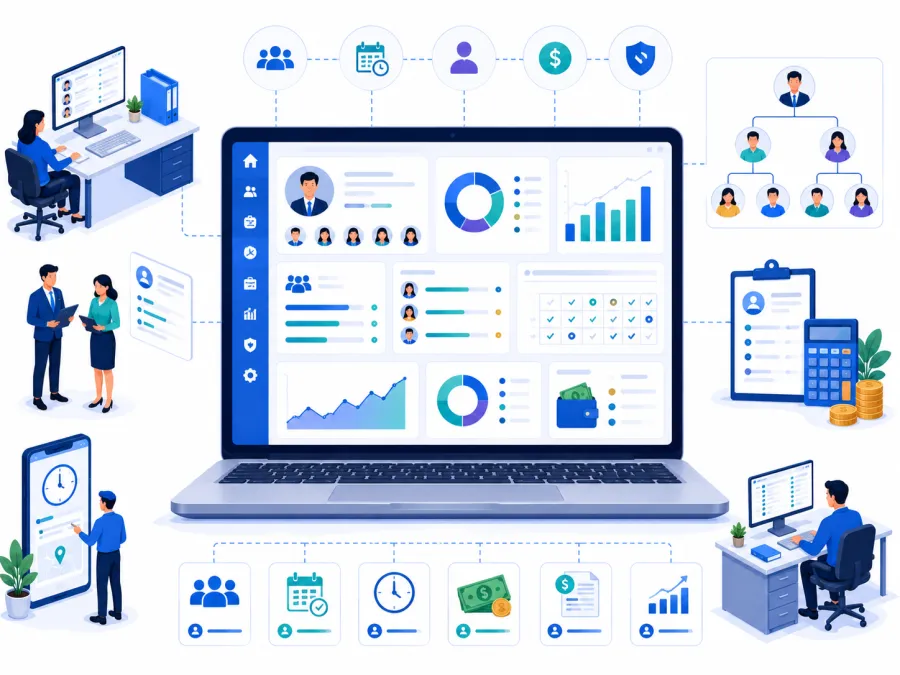
Key takeaways: HRMS software brings staff records, attendance, leave, and payroll into one system. Most institutions go live in 5–7 days. It works best connected with expense, school, and dining attendance.
In this guide
What is HRMS software?
HRMS (Human Resource Management System) software is a digital platform that handles staff operations — employee records, attendance, leave management, payroll, salary slips, and HR reports — from one interface used by HR, accounts, and management.
Instead of staff details in one file, attendance in a register, and salary in a spreadsheet, everything lives in one connected system. When payroll runs, attendance and leave already feed the calculation — no re-keying, no reconciliation guesswork.
For schools, ashrams, and trusts with teaching and non-teaching staff, this removes the monthly scramble of compiling attendance, applying deductions, and issuing salary slips by hand.
What changes when HR becomes digital
A good HRMS turns monthly payroll and daily attendance into a visible, auditable flow.
The real problems it solves
It helps to be precise about what breaks down when staff data lives across registers and spreadsheets.
Scattered staff records
Joining details, salary, and documents in different files. HRMS keeps one complete record per employee.
Manual attendance
Registers are slow and error-prone. Digital attendance feeds payroll directly.
Leave confusion
Leave requests on paper or chat get lost. HRMS tracks balances and approvals cleanly.
Painful payroll
Manual salary math invites errors. HRMS auto-calculates pay, deductions, and payslips.
No payslips
Staff lack proper salary slips. HRMS issues professional payslips every cycle.
No HR data
Headcount, cost, and attendance trends become reports management can review instantly.
The pattern: Payroll is often run by one person with a private spreadsheet. When they are unavailable, salary processing stalls and errors creep in — a risk that grows with every new hire.
Running payroll on spreadsheets?
Share your staff count and salary structure on WhatsApp. We will map the right DigiCampus HRMS workflow for you.
Key features to look for
Evaluate HRMS against your real staffing pattern — mixed teaching and support staff, attendance-linked pay, and trustee reporting.
HR workflow from joining to payroll
This is the operating journey most institutions need from HRMS.
- Staff records and profiles one record per employee with role, joining date, salary, and documents.
- Attendance management daily attendance, shifts, and late/absent tracking that feeds payroll.
- Leave management leave types, requests, approvals, and live balances.
- Payroll processing attendance-linked salary, allowances, and deductions.
- Payslips professional salary slips issued every pay cycle.
- Statutory and deduction handling advances, fines, and recurring deductions tracked cleanly.
- HR reports and exports headcount, payroll cost, attendance, and leave for management.
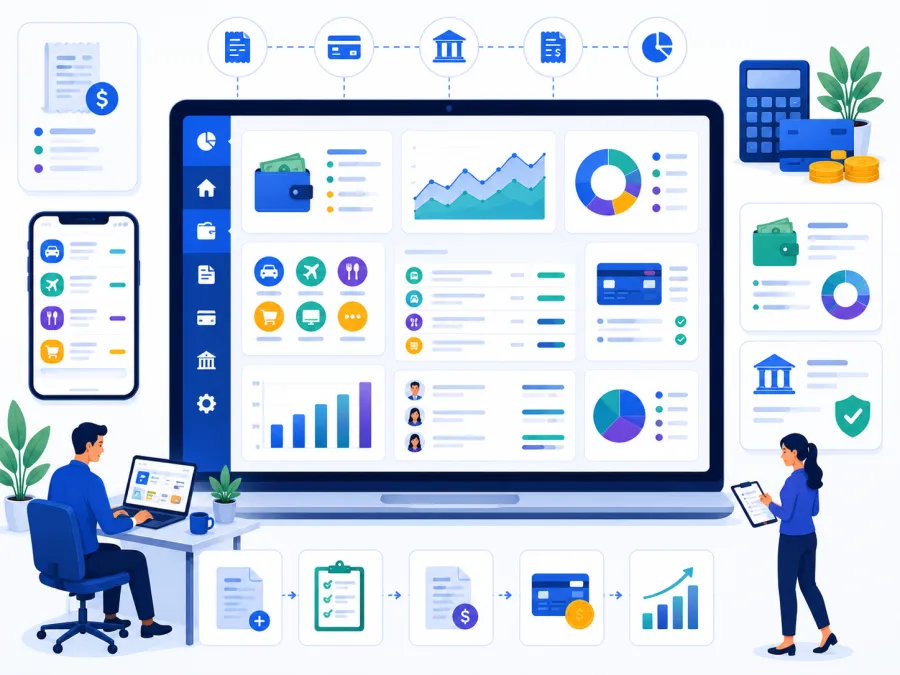
- Expense connection salary payouts flow into the expense and reporting modules.
Want to see payroll run on your staff list?
We'll show staff records, attendance, leave, and a sample payroll run on a setup that matches you — in 20 minutes on WhatsApp.
Who needs HRMS software
If you employ more than 15–20 staff and run payroll monthly, HRMS pays for itself in saved time and fewer errors.
Schools
Teaching and non-teaching staff with attendance-linked pay and leave.
Ashrams
Resident and salaried staff, sevaks, and support teams needing records and payroll.
Trusts
Staff across multiple units needing consolidated HR and payroll reporting.
NGOs
Programme and field staff needing attendance, leave, and payroll accountability.
Temples and mutts
Salaried and seva staff with attendance and payroll needs.
Residential campuses
Wardens, kitchen, and support staff managed alongside teaching staff.
Rule of thumb: If payroll lives in one person's private spreadsheet, you need HRMS before that becomes a single point of failure.
Registers vs. software: a direct comparison
| Task | Manual / Paper | DigiCampus |
|---|---|---|
| Look up a staff record | Search through HR files | ✓ Search loads the full profile instantly |
| Compile monthly attendance | Tally a paper register by hand | ✓ Auto-summarised and ready for payroll |
| Approve a leave request | Verbal or chat, easily forgotten | ✓ Logged, approved, balance updated |
| Run payroll | Manual salary math in a spreadsheet | ✓ Attendance-linked calculation in clicks |
| Issue payslips | Hand-written or none | ✓ Professional payslips generated for all staff |
| Report HR cost | Add up ledgers manually | ✓ One click, export as PDF or Excel |
How to choose the right HRMS software
For schools and trusts, prioritise fit over feature count:
What implementation actually looks like
Getting started is straightforward.
- Add staff records — roles, joining dates, and salary structures. A one-time setup.
- Import existing data — current staff and balances from your spreadsheets, handled with provider support.
- Configure payroll rules — allowances, deductions, and pay cycles.
- Train HR and accounts — a short walkthrough of attendance, leave, and a payroll run.
- Go live — from the next pay cycle, with a parallel run for one month if you prefer.
At DigiCampus, most institutions run their first digital payroll within 5–7 working days of signing up. We handle staff data import, payroll configuration, and training before you go live.
Ready to run payroll digitally?
Tell us your staff count and salary structure on WhatsApp. We'll confirm exactly what setup looks like for you — no commitment needed.
Common questions
What is HRMS software used for?
It is used to manage staff records, attendance, leave, payroll, and HR reports from one digital system instead of separate registers and spreadsheets.
Can it run payroll for teaching and non-teaching staff?
Yes. DigiCampus supports salary structures, attendance-linked payroll, deductions, and payslips for all staff categories.
Does HRMS connect with attendance and expenses?
Yes. Staff attendance feeds payroll, and salary payouts connect with the expense and reporting modules.
See it on your campus
The best way to evaluate HRMS software is to see it run payroll on your own staff list, attendance, and salary structure. A 20-minute walkthrough is enough to know whether it fits.