 WhatsApp Now
Key takeaways: Digital notice board software sends notices to staff, students, and parents via WhatsApp, email, or app. Most institutions go live in 2–3 days. It works best connected with calendar and event modules.
In this guide
What is digital notice board software?
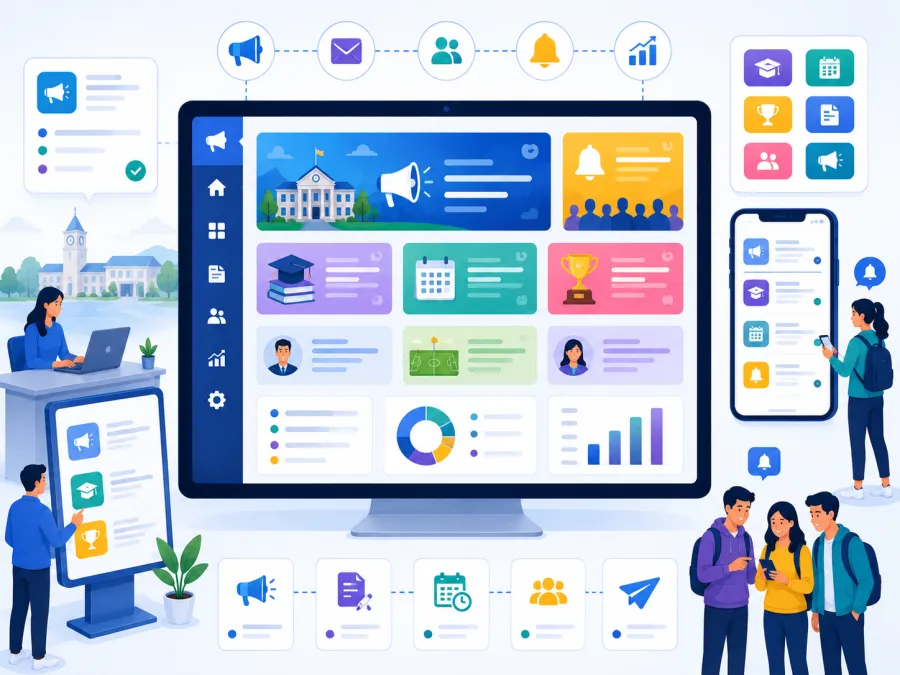
Digital notice board software is a system for sending announcements and notices to the right audience — staff, students, parents, or donors — instantly across WhatsApp, email, and in-app, replacing the physical board and the forwarded message.
Instead of pinning a notice nobody reads and forwarding it across groups, you compose once, choose the audience, and send. Everyone receives it on the channel they actually check, and you have a record of what went out and to whom.
For schools, ashrams, and trusts, where a missed fee notice or schedule change causes real friction, reliable reach is the whole point.
What changes when notices go digital
Good notice board software turns hit-or-miss announcements into reliable reach.
The real problems it solves
Here is what breaks down with a physical board and forwarded messages.
Notices go unread
Nobody checks the board. Digital notices reach phones directly.
Patchy forwarding
Messages reach some, miss others. Targeted sends reach the full group.
Wrong audience
Everyone gets everything. Send to the exact class, role, or group.
Slow announcements
Urgent news travels slowly. Notices go out instantly.
No record
No proof a notice was sent. Software logs delivery.
Forgotten reminders
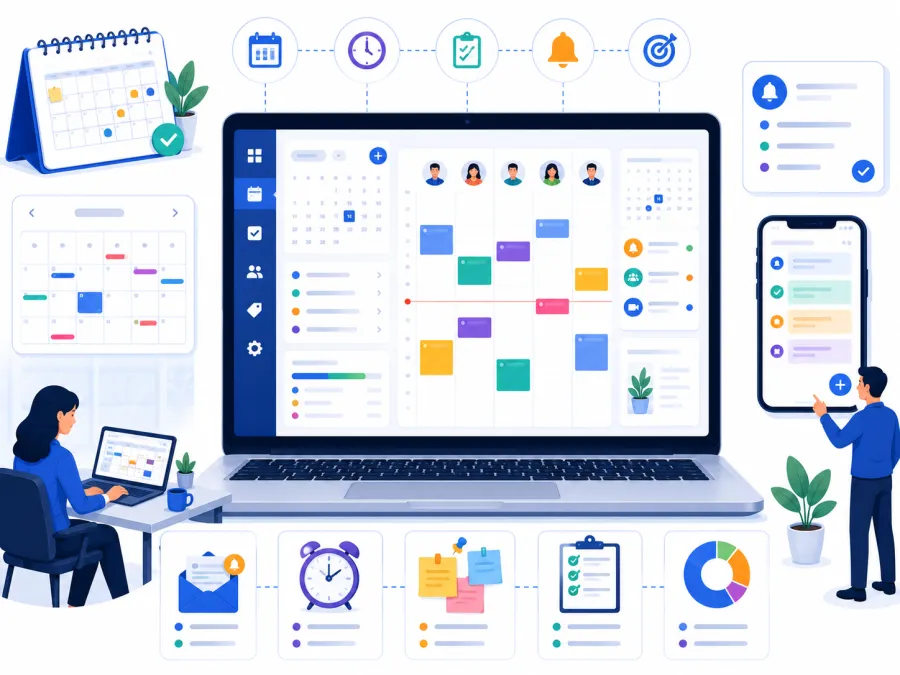
Date reminders slip. Notices tie to the calendar.
The pattern: Important notices get pinned to a board few people pass and forwarded into groups where they scroll away. The result is predictable: 'I never got that notice' — right after the fee deadline or schedule change.
Notices not reaching everyone?
Share who you need to reach on WhatsApp. We will map the right DigiCampus notice workflow for you.
Key features to look for
Evaluate notice board software against your real pattern — multiple audiences, urgent sends, and proof of delivery.
Notice workflow from compose to record
This is the operating flow most institutions need from a digital notice board.
- Multi-channel delivery send notices via WhatsApp, email, and in-app.
- Audience targeting reach a class, role, group, or the whole campus.
- Instant and scheduled sends send now or schedule for a future date.
- Attachments include documents, images, or circulars.
- Delivery records keep a log of what was sent and to whom.
- Calendar and event links tie notices to upcoming dates and events.
- Templates reuse common notices like fee reminders.
- Reports see notice history for management.
Want notices that actually reach people?
We'll send a test notice to a real group on a setup that matches you — in 20 minutes on WhatsApp.
Who needs digital notice board software
Any institution that needs information to reliably reach a group benefits.
Schools
Fee reminders, schedule changes, and parent circulars.
Ashrams
Programme updates and announcements to residents and devotees.
Temples and mutts
Festival timings and event announcements to devotees.
Charitable trusts
Updates to staff, members, and beneficiaries.
Residential campuses
Hostel and mess notices to students and guardians.
NGOs
Updates to teams, volunteers, and donors.
Rule of thumb: If 'I never got that notice' is a regular complaint, you need a digital notice board with delivery records.
Paper vs. digital: a direct comparison
| Task | Manual / Paper | DigiCampus |
|---|---|---|
| Reach everyone | Pin a board few people pass | ✓ Notice lands on every phone |
| Target a class or role | Not possible on a board | ✓ Send to the exact group |
| Send urgent news | Travels slowly by word | ✓ Delivered instantly |
| Prove a notice went out | No record | ✓ Delivery log kept |
| Remind about a date | Manual, often forgotten | ✓ Tied to the calendar |
| Reuse common notices | Rewrite each time | ✓ Templates ready to send |
How to choose the right notice board software
For institutions, prioritise reach and proof:
What implementation actually looks like
Getting started is quick.
- Set up audiences — classes, roles, and groups. A one-time setup.
- Import contacts — staff, students, and parent numbers, with provider support.
- Configure channels — WhatsApp, email, and app delivery.
- Train senders — a short walkthrough of composing and targeting notices.
- Go live — send your first notice.
At DigiCampus, most institutions are live within 2–3 working days of signing up. We help you set up audiences, import contacts, and send your first notice.
Ready for notices that land?
Tell us who you need to reach on WhatsApp. We'll confirm exactly what setup looks like for you — no commitment needed.
Common questions
What is digital notice board software used for?
It is used to send notices and announcements to staff, students, and parents instantly via WhatsApp, email, or app, with a record of delivery.
Can notices go out on WhatsApp?
Yes. DigiCampus can deliver notices via WhatsApp, email, or in-app so they reach people on the channel they actually check.
Does the notice board connect with the calendar?
Yes. Notices can be tied to calendar dates and events, so reminders go out automatically for upcoming activities.
See it on your campus
The best way to evaluate digital notice board software is to send one notice to a real group and see the reach. A 20-minute walkthrough is enough to know whether it fits.