 WhatsApp Now
Key takeaways: Inventory software tracks stock, purchases, issue, and consumption in one system. Most institutions go live in 5–7 days. It works best connected with dining, expense, and purchase workflows.
In this guide
What is inventory management software?
Inventory management software is a digital system for tracking what your institution buys, stores, issues, and consumes — provisions, ration, stationery, cleaning supplies, spares, and more — from one interface used by the store keeper, purchase team, and management.
Instead of a store notebook and a vague sense of what is left, every receipt, issue, and balance is recorded. When the kitchen draws rice, or the office issues stationery, stock updates automatically and low-stock items surface before they run out.
For ashrams, trusts, and schools running kitchens, stores, and bulk purchases, this turns guesswork into a controlled, auditable flow.
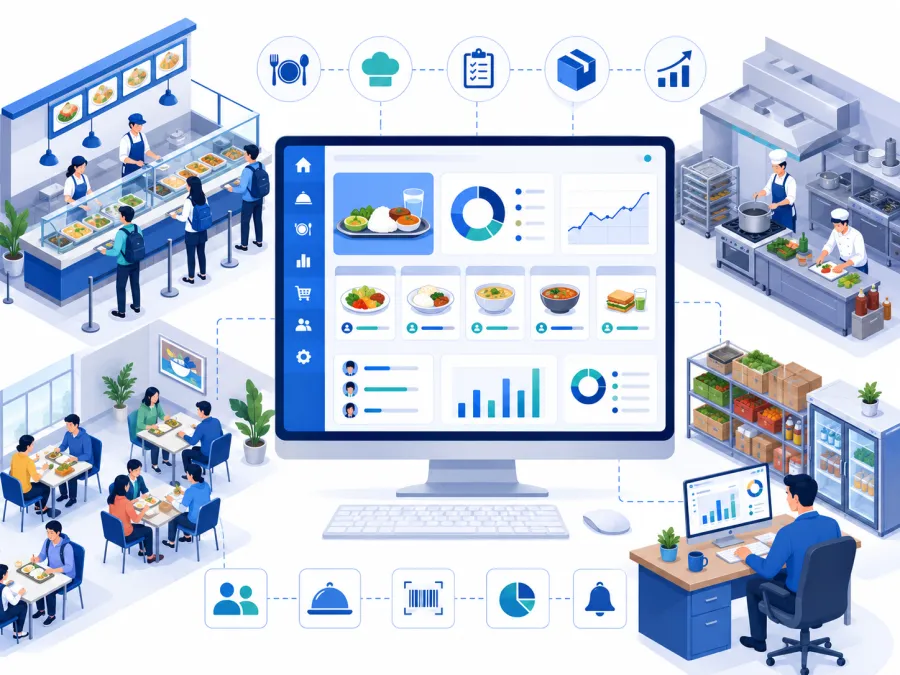
What changes when your store goes digital
Good inventory software turns store-keeping into a visible, accountable operating flow.
The real problems it solves
Here is what breaks down when stock runs on a notebook and memory.
No live stock picture
Nobody knows exactly what is in store. Software shows current balance for every item.
Surprise stock-outs
Items run out mid-week. Low-stock alerts surface them before they do.
Untracked purchases
Bills pile up unreconciled. Purchases are recorded against vendors with rates and quantities.
Unaccounted issue
Items leave the store with no record. Every issue is logged and deducted from stock.
No cost visibility
Spend on provisions is invisible. Purchase value rolls into expense reporting.
No usage data
Consumption and wastage become reports management can review instead of guessing.
The pattern: Most institutions run the store on one trusted person's notebook. It works until they are away, an item runs out unexpectedly, or trustees ask where the provisions budget went — and there is no record to show.
Running your store on a notebook?
Share your item list and monthly purchase volume on WhatsApp. We will map the right DigiCampus inventory workflow for you.
Key features to look for
Evaluate inventory software against your real store pattern — kitchen ration, bulk purchases, and multi-department issue.
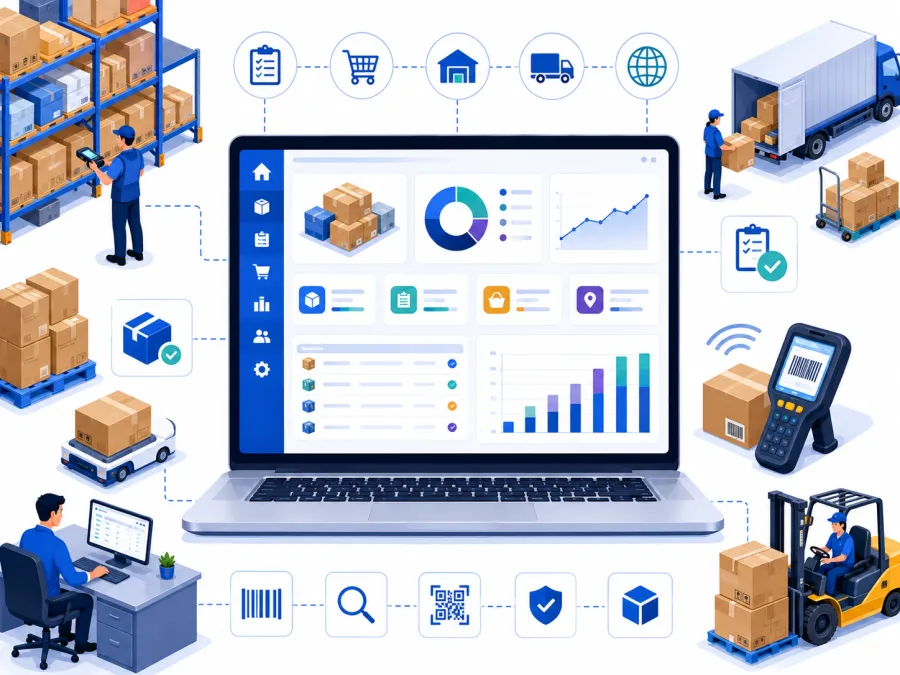
Inventory workflow from purchase to report
This is the operating journey most institutions need from inventory software.
- Item and category management organise provisions, stationery, supplies, and spares with units and opening stock.
- Purchase recording capture vendor, rate, quantity, and bill for every purchase.
- Store issue tracking log every issue to kitchen, office, or department and deduct from stock.
- Live stock balances current quantity for every item without manual counting.
- Low-stock alerts flag items below reorder level before they run out.
- Consumption tracking see usage trends and identify fast-moving or wasted items.
- Reports and exports stock valuation, purchase, and consumption reports for management.
- Dining and expense links kitchen issue feeds dining, and purchase value feeds expenses.
Want to see inventory on your store?
We'll show stock, purchases, issue, and alerts on a setup that matches your items — in 20 minutes on WhatsApp.
Who needs inventory management software
If you run a kitchen, store, or do bulk purchasing, inventory software protects both stock and budget.
Ashrams
Kitchen ration, provisions, and store items for residents and visitors.
Charitable trusts
Multiple stores and bulk purchases needing accountability and trustee reporting.
Schools
Stationery, lab supplies, sports, and cleaning stock across departments.
Temples and mutts
Prasad ingredients, pooja materials, and bhandara supplies.
Residential campuses
Hostel and mess provisions tracked against consumption.
NGOs
Relief materials, kits, and distributed goods needing audit trails.
Rule of thumb: If you cannot say how much rice is in store right now without sending someone to check, you need inventory software.
Notebook vs. software: a direct comparison
| Task | Manual / Paper | DigiCampus |
|---|---|---|
| Check current stock of an item | Send someone to the store to count | ✓ Live balance loads instantly |
| Know when to reorder | Notice only when it runs out | ✓ Low-stock alert before it runs out |
| Record a purchase | Loose bills in a file | ✓ Logged against vendor with rate and quantity |
| Track what was issued | Often not recorded | ✓ Every issue logged and deducted |
| Value the store | Manual stocktake and math | ✓ One click stock valuation report |
| See monthly consumption | Guess from purchases | ✓ Consumption report, export as PDF or Excel |
How to choose the right inventory software
For ashrams, trusts, and schools, prioritise simplicity and fit:
What implementation actually looks like
Getting started is straightforward.
- List your items — categories, units, and opening stock. A one-time setup.
- Import existing data — item lists and balances from your records, with provider support.
- Set reorder levels — so low-stock alerts trigger at the right point.
- Train your store keeper — a short walkthrough of recording purchases and issue.
- Go live — from your next purchase cycle.
At DigiCampus, most institutions are live within 5–7 working days of signing up. We handle item import, reorder setup, and store-keeper training before you go live.
Ready to control your store?
Tell us your item list and purchase volume on WhatsApp. We'll confirm exactly what setup looks like for you — no commitment needed.
Common questions
What is inventory management software used for?
It is used to track stock levels, record purchases, manage store issue and consumption, and generate inventory reports from one digital system.
Is it useful for ashram and trust kitchens and stores?
Yes. DigiCampus tracks ration, provisions, and store items with purchase, issue, and consumption records linked to dining and expenses.
Does inventory connect with dining and expenses?
Yes. Store issue feeds kitchen consumption, and purchases connect with the expense and reporting modules.
See it on your campus
The best way to evaluate inventory software is to see it track your own store items, purchases, and issue. A 20-minute walkthrough is enough to know whether it fits.