 WhatsApp Now
Key takeaways: Guest house software manages bookings, check-in/check-out, guest records, and occupancy. Most institutions go live in 5–7 days. It works best connected with donation, dining, and expense modules.
In this guide
What is guest house management software?
Guest house management software is a digital system for running visitor accommodation — room bookings, check-in and check-out, guest records, occupancy, and reports — from one interface used by the front desk, manager, and management.
Instead of a booking register and a vague sense of which rooms are free, every booking and stay is recorded, rooms show live availability, and guest history is one search away. For contribution-based dharamshalas, stays can even link to donations.
For ashrams, temples, and trusts running guest houses and dharamshalas, this removes double-bookings, lost guest details, and the festival-season chaos of managing rooms on paper.
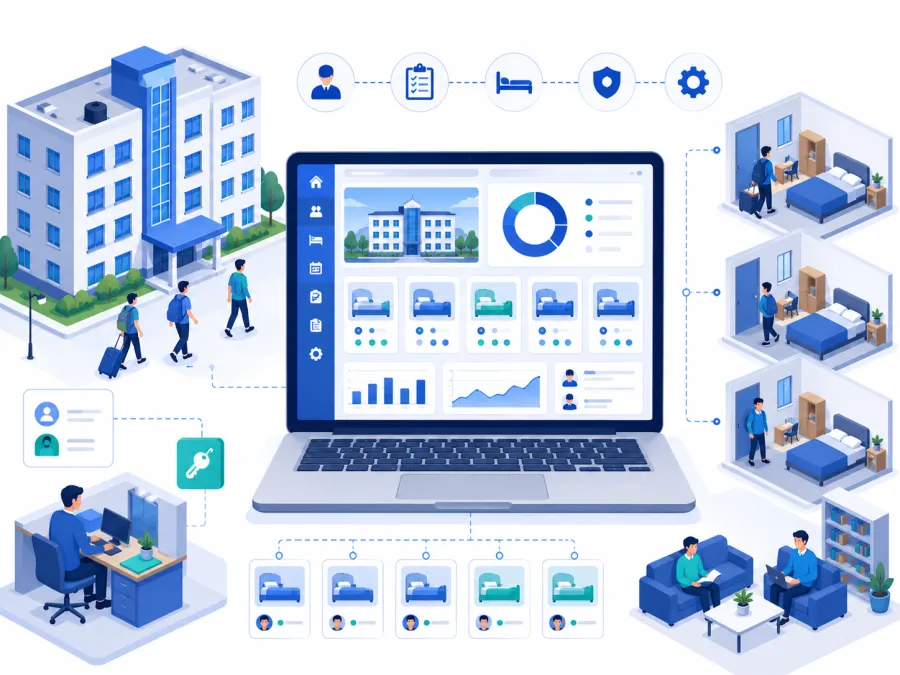
What changes when guest accommodation goes digital
Good guest house software turns front-desk work into a visible, bookable flow.
The real problems it solves
Here is what breaks down with a booking register and memory.
Double-bookings
Two guests assigned one room. Software locks bookings in real time.
No availability picture
Front desk cannot say what is free. Live room status shows it instantly.
Lost guest details
ID and contact details scattered. One guest record holds everything.
Slow check-in
Manual paperwork at peak times. Digital check-in and check-out is quick.
Untracked contributions
Donation-based stays unrecorded. Stays can link to the donation module.
No occupancy data
Usage and stays become reports management can review.
The pattern: Guest houses run smoothly on a register until a festival or event fills every room. That is exactly when double-bookings, lost details, and confusion appear — and exactly when good software earns its keep.
Managing guest rooms on a register?
Share your room count and typical occupancy on WhatsApp. We will map the right DigiCampus guest house workflow for you.
Key features to look for
Evaluate guest house software against your real pattern — devotee stays, festival peaks, and contribution-based accommodation.
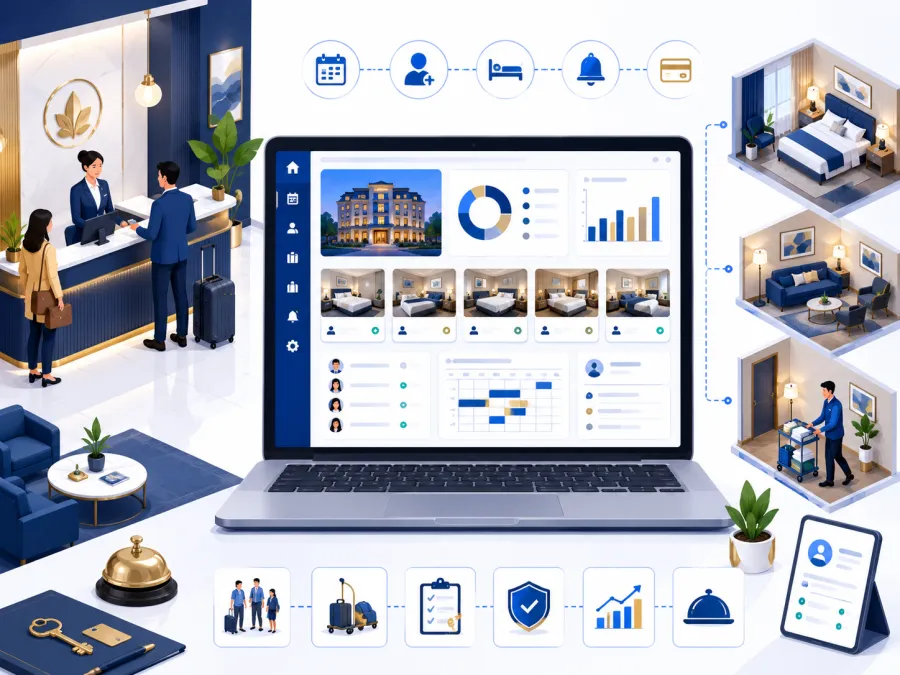
Guest house workflow from booking to report
This is the operating journey most institutions need from guest house software.
- Room booking and availability take bookings against live room status with no double-booking.
- Check-in and check-out quick digital check-in capturing guest ID and details.
- Guest records one profile per guest with contact, ID, and stay history.
- Room and category management room types, capacity, and rates or contributions.
- Contribution-based stays link dharamshala stays to the donation module.
- Dining links connect guest meals to the dining module.
- Occupancy dashboard vacant, booked, and occupied rooms at a glance.
- Reports and exports occupancy, stays, and contribution reports for management.
Want to see bookings on your rooms?
We'll show booking, check-in, and occupancy on a setup that matches your guest house — in 20 minutes on WhatsApp.
Who needs guest house management software
If you offer accommodation to visitors and devotees, software ends double-bookings and lost records.
Ashrams
Devotee and visitor guest houses with bookings and stay records.
Temples and mutts
Dharamshalas and pilgrim accommodation, especially at festivals.
Charitable trusts
Guest accommodation for patrons, visitors, and programme guests.
Educational trusts
Guest rooms for parents, examiners, and visiting faculty.
NGOs
Visitor and volunteer accommodation needing records.
Retreat centres
Programme-based stays with bookings and occupancy needs.
Rule of thumb: If festival season turns your room register into chaos, you need guest house management software before the next peak.
Register vs. software: a direct comparison
| Task | Manual / Paper | DigiCampus |
|---|---|---|
| Check room availability | Flip through the booking register | ✓ Live room status loads instantly |
| Take a booking | Write into the register, hope it's free | ✓ Booked against live availability, no clashes |
| Check in a guest | Manual paperwork | ✓ Quick digital check-in with ID capture |
| Find a past guest | Search old registers | ✓ Guest profile and stay history in one search |
| Track contributions | Separate note, often lost | ✓ Linked to the donation module |
| Report occupancy | Count register entries | ✓ One click, export as PDF or Excel |
How to choose the right guest house software
For ashrams and temples, prioritise fit over hotel-style complexity:
What implementation actually looks like
Getting started is straightforward.
- Set up rooms — room types, capacity, and rates or contributions. A one-time setup.
- Import guest data — existing guests and any forward bookings, with provider support.
- Configure links — dining and donation connections if used.
- Train front-desk staff — a short walkthrough of booking, check-in, and reports.
- Go live — before your next peak season.
At DigiCampus, most institutions are live within 5–7 working days of signing up. We handle room setup, guest import, and front-desk training before you go live.
Ready before the next festival?
Tell us your room count and occupancy on WhatsApp. We'll confirm exactly what setup looks like for you — no commitment needed.
Common questions
What is guest house management software used for?
It is used to manage room bookings, check-in and check-out, guest records, occupancy, and reports for guest houses and dharamshalas.
Is it suitable for dharamshalas and ashram guest houses?
Yes. DigiCampus handles devotee and visitor accommodation with bookings, donation-linked stays, and occupancy reports.
Does guest house connect with dining and donations?
Yes. Guest meals link to dining, and contribution-based stays connect with the donation module.
See it on your campus
The best way to evaluate guest house software is to see it run a booking and check-in on your own rooms. A 20-minute walkthrough is enough to know whether it fits.